
Code
Build with the tools in reach.
Edit with Monaco, navigate files, use a real terminal, work with Git, and ask an AI assistant for help with code.
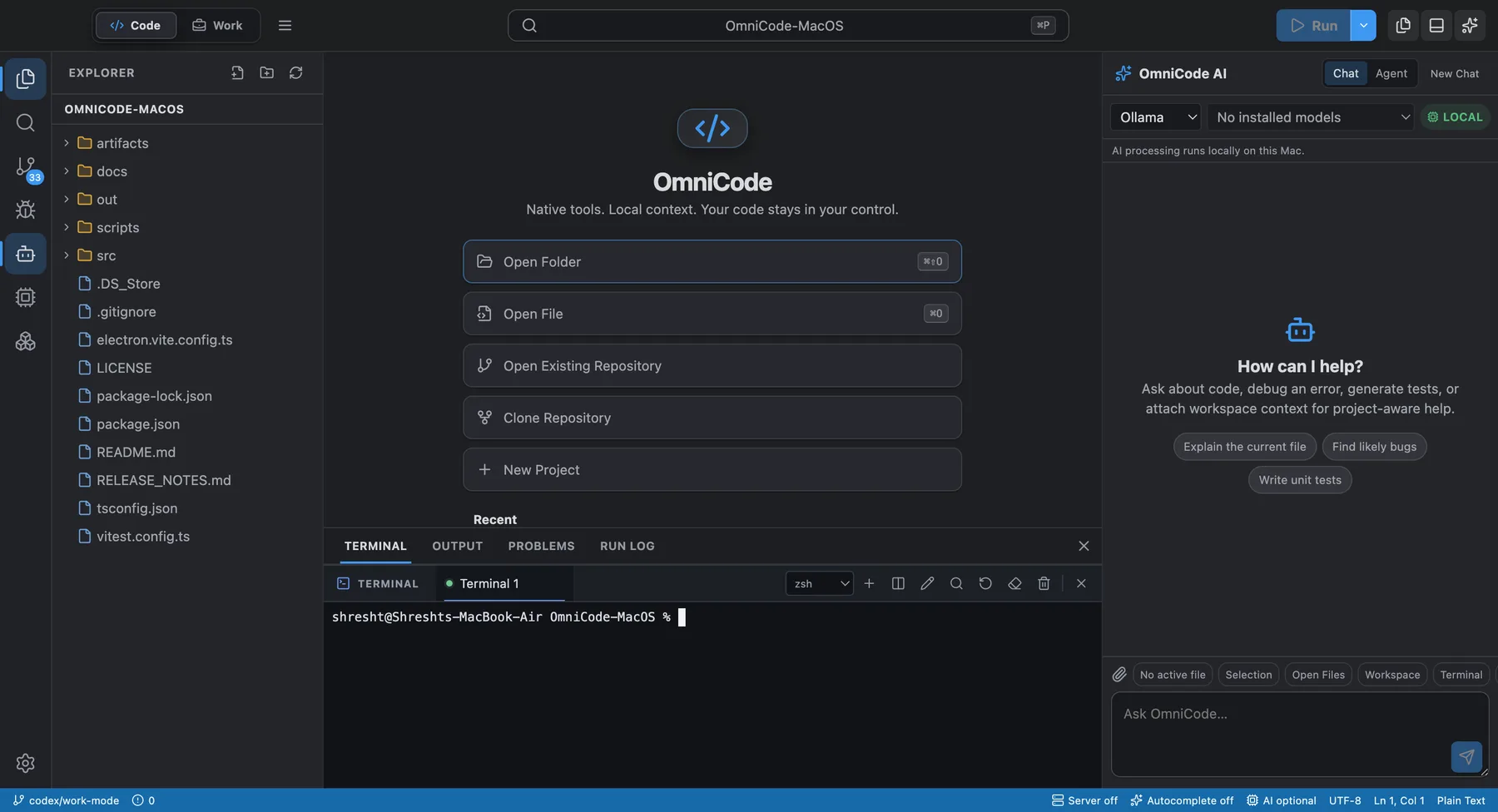
OmniCode for macOS
Build in a full code editor, work with AI conversations, and use a voice-first Mac assistant.
Each mode has its own focus inside the same macOS application.
Edit with Monaco, navigate files, use a real terminal, work with Git, and ask an AI assistant for help with code.
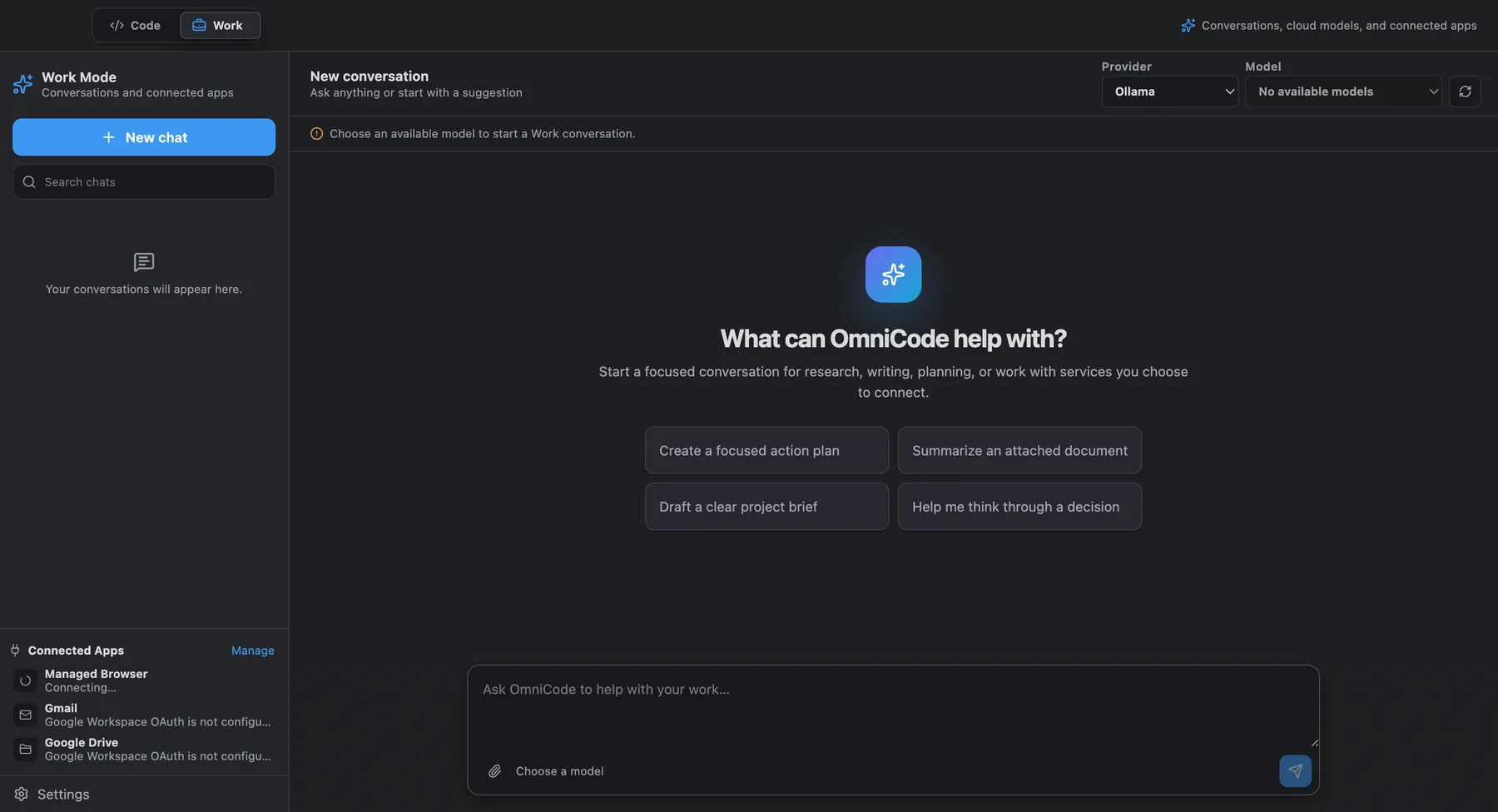
Use a conversation workspace for writing, planning, research, and approved actions with supported services when configured.
Omni is a voice-first Mac assistant with push-to-talk, spoken responses, task activity, and explicit approval controls. Computer control depends on permissions and readiness.

OmniCode supports local models through Ollama and optional cloud providers. Availability depends on the provider and model you configure.
OmniCode 0.9.0 is available for Apple silicon and Intel Macs running macOS 14 or newer. Beta software may have incomplete features and bugs.